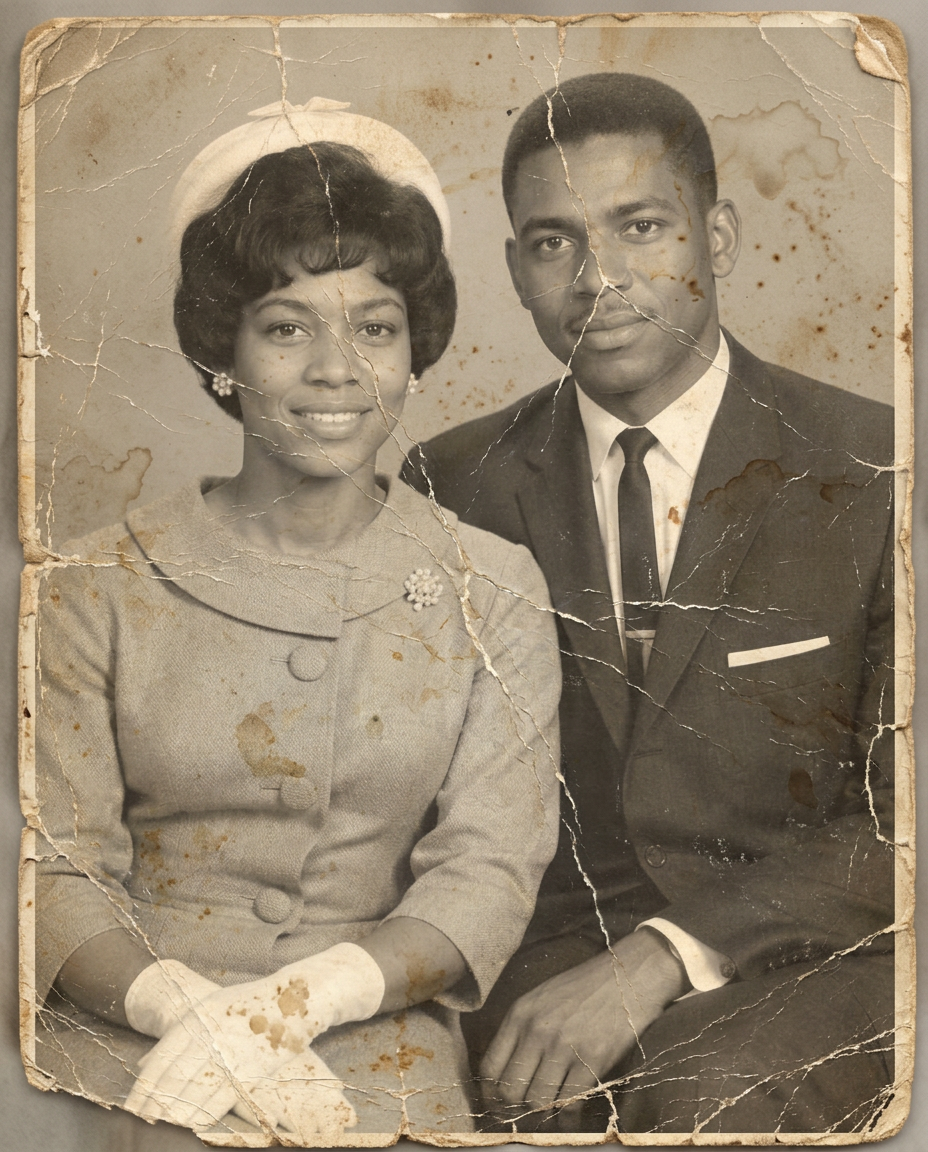
Bring Your Memories Back to Life
Restore, enhance and upscale your photos with Atassah.
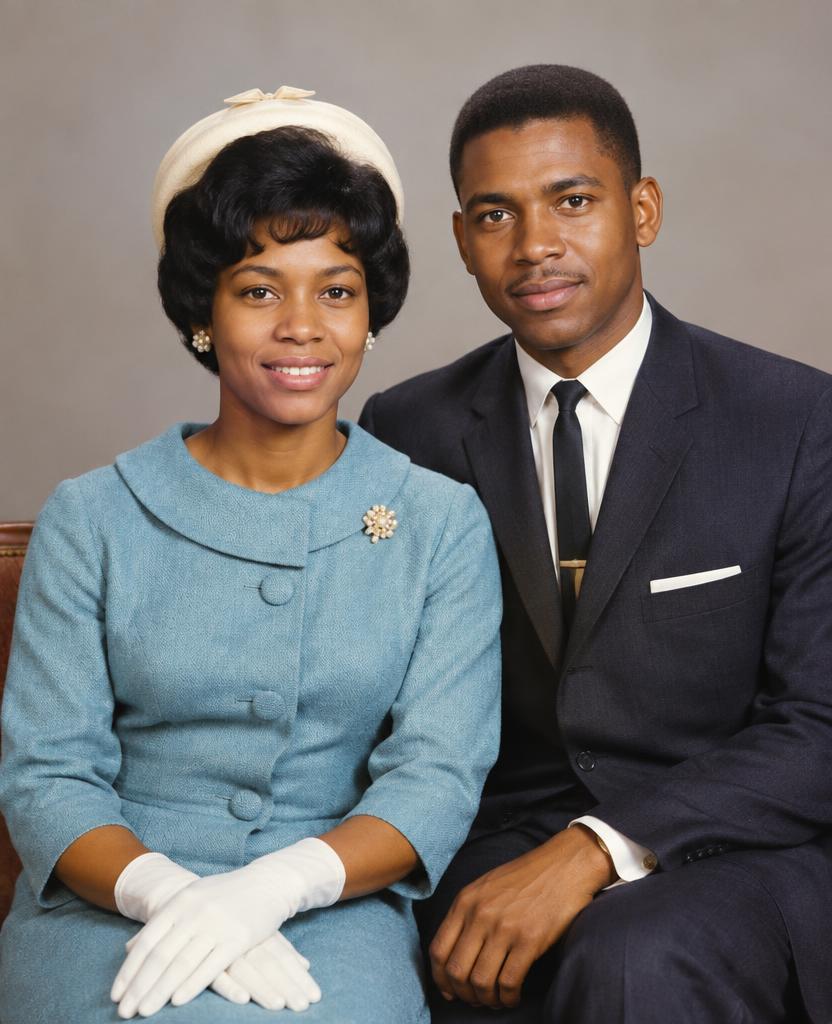
- 1Take a photoCapture or upload
- 2Choose a toolPick your AI edit
- 3See the resultReview & download
Powerful AI tools
View allPhoto Restoration
Repair scratches, tears and fading.
2+ credits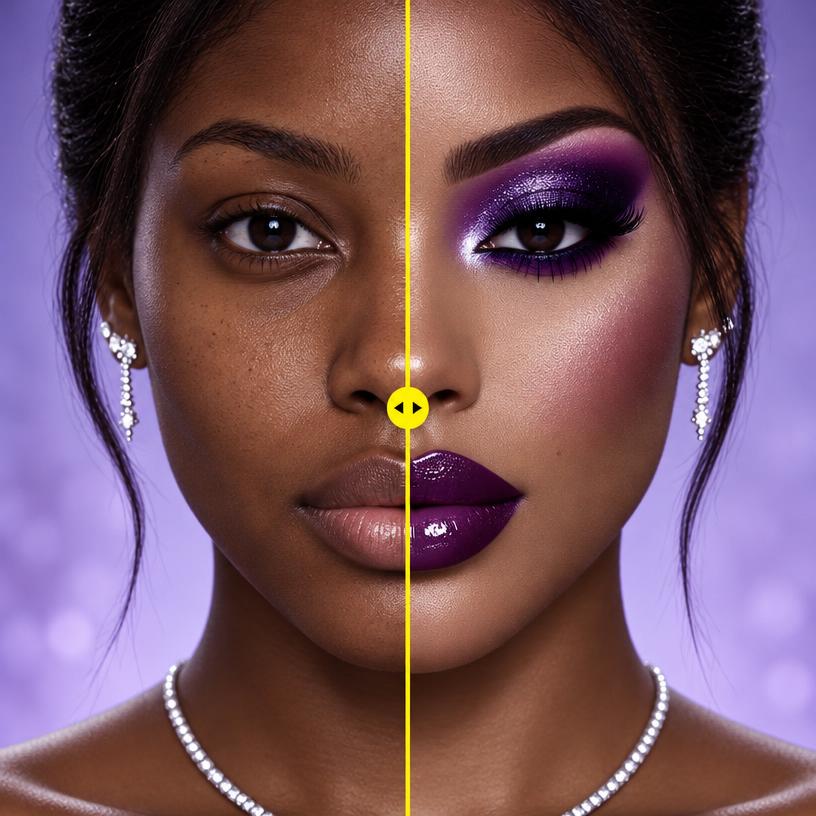
Makeup Studio
Try a new makeup look or match a reference photo.
2+ credits
Photo Shoot Studio
Match your headshot into an uploaded scene photo.
2+ credits
Flyer Studio
Correct or change every text on your flyer, keeping its style.
4+ credits
Style Lookbook
Pick a look from the library for your full-body photo.
2+ credits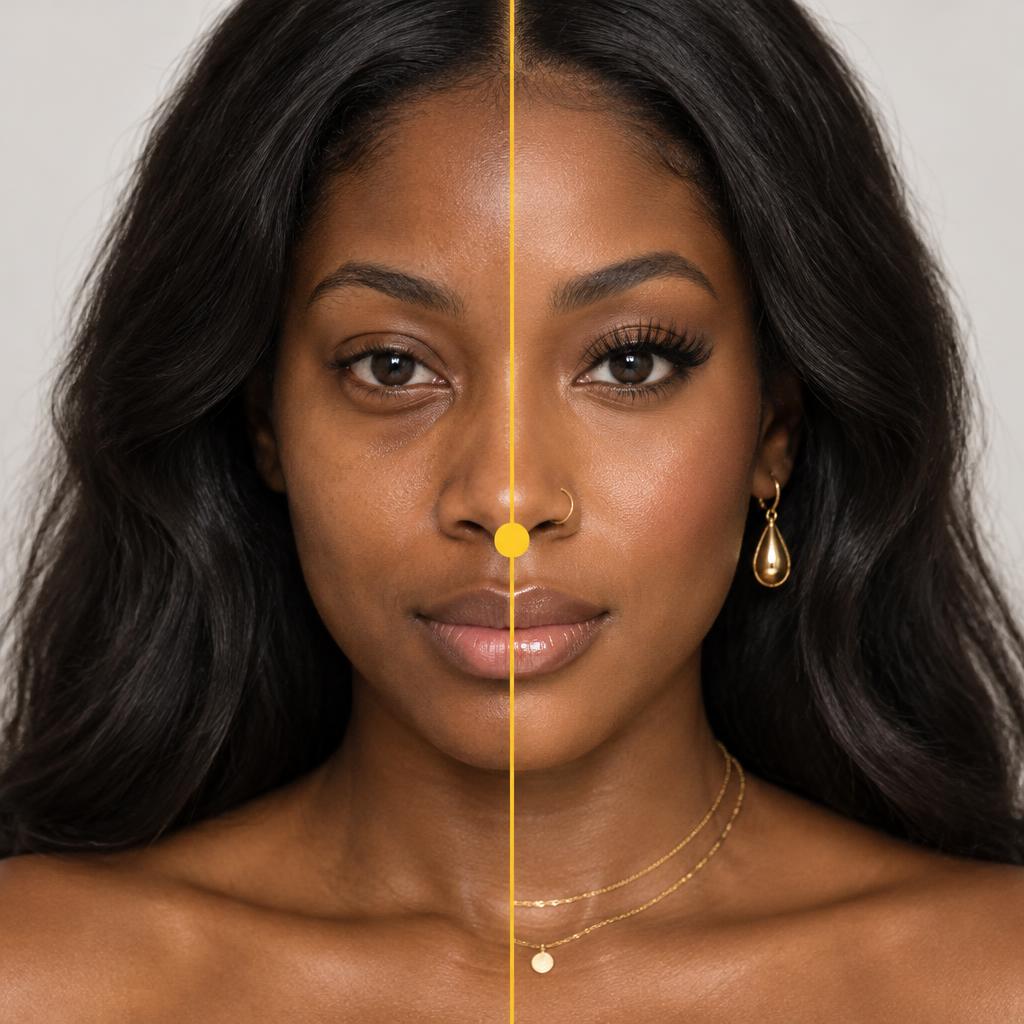
Beauty Studio
Add jewellery, lashes and beauty accessories to your photo.
2+ credits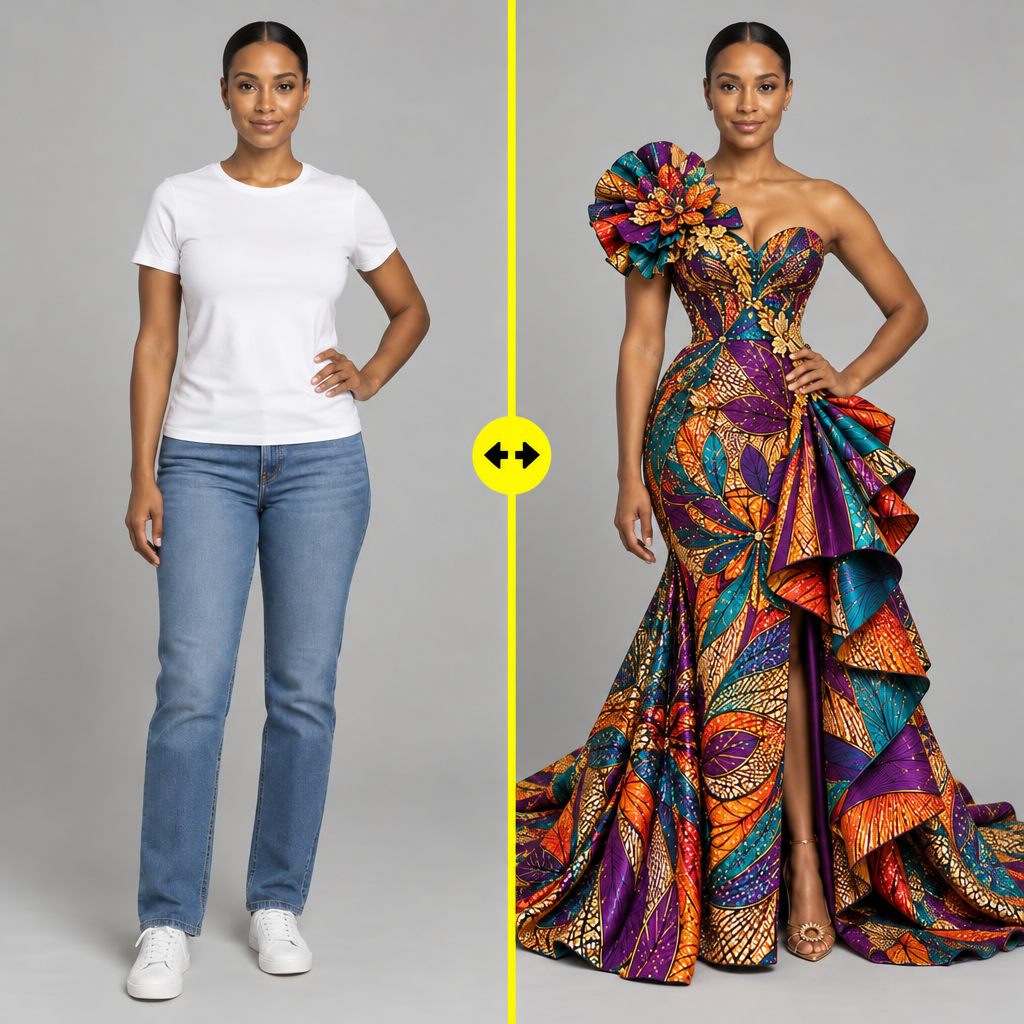
Outfit Try-On
Wear an outfit from your own reference photo.
2+ credits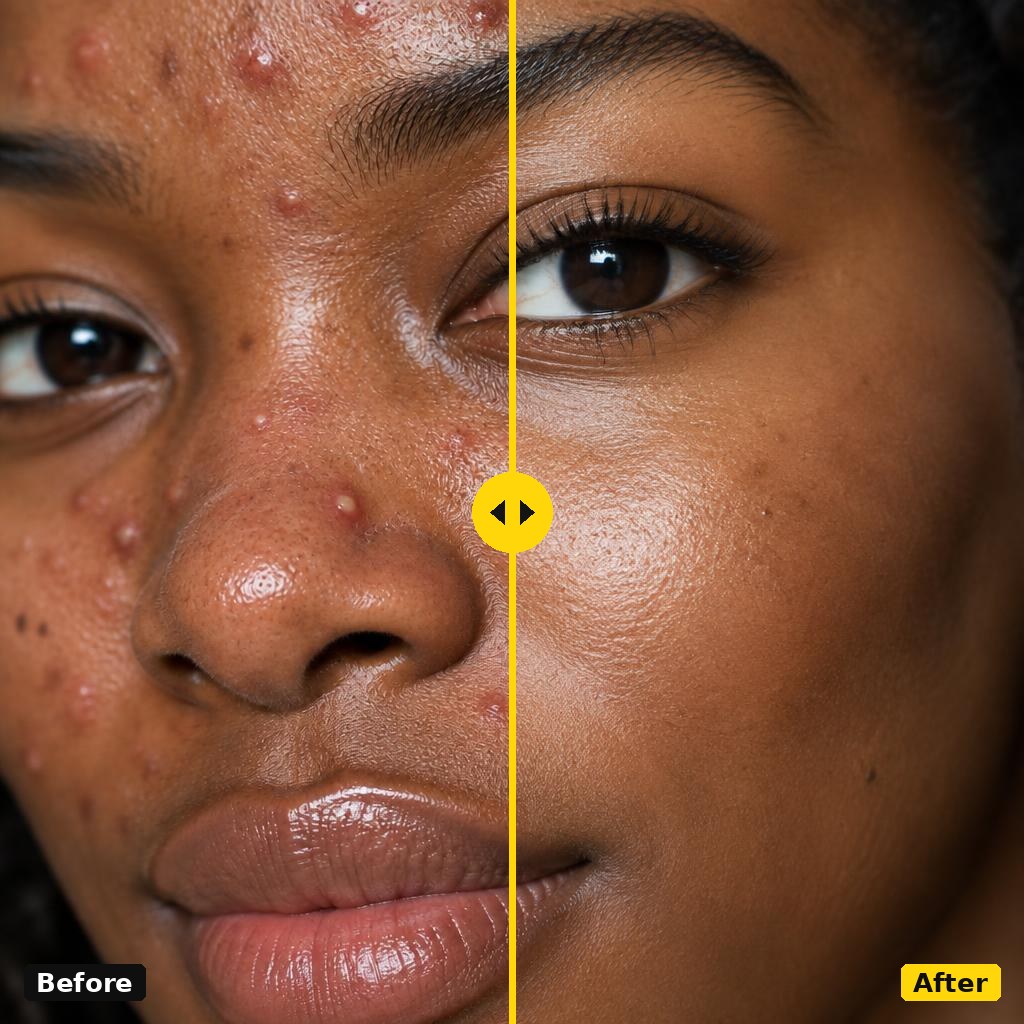
Face & Skin
Smooth skin while keeping real texture.
2+ credits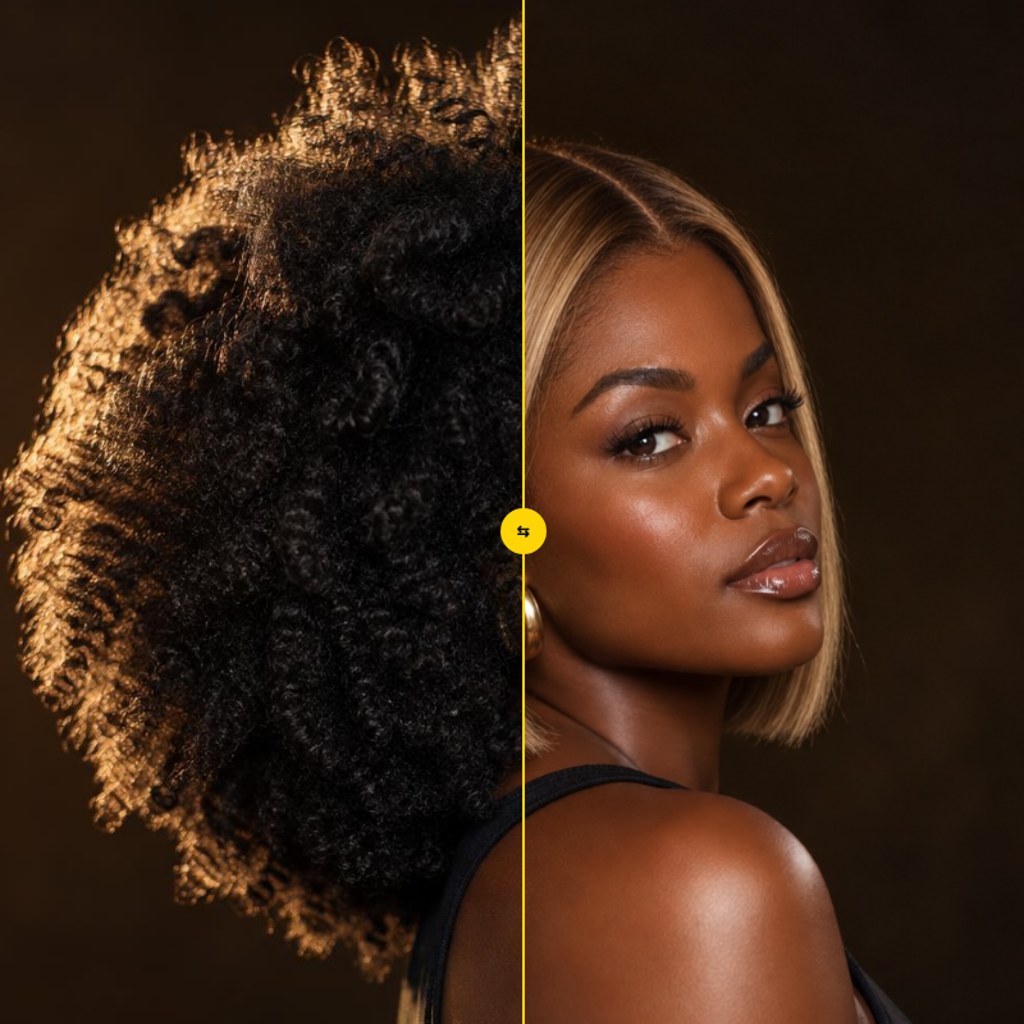
Hair Editing
Try a new hairstyle, cut or colour.
2+ credits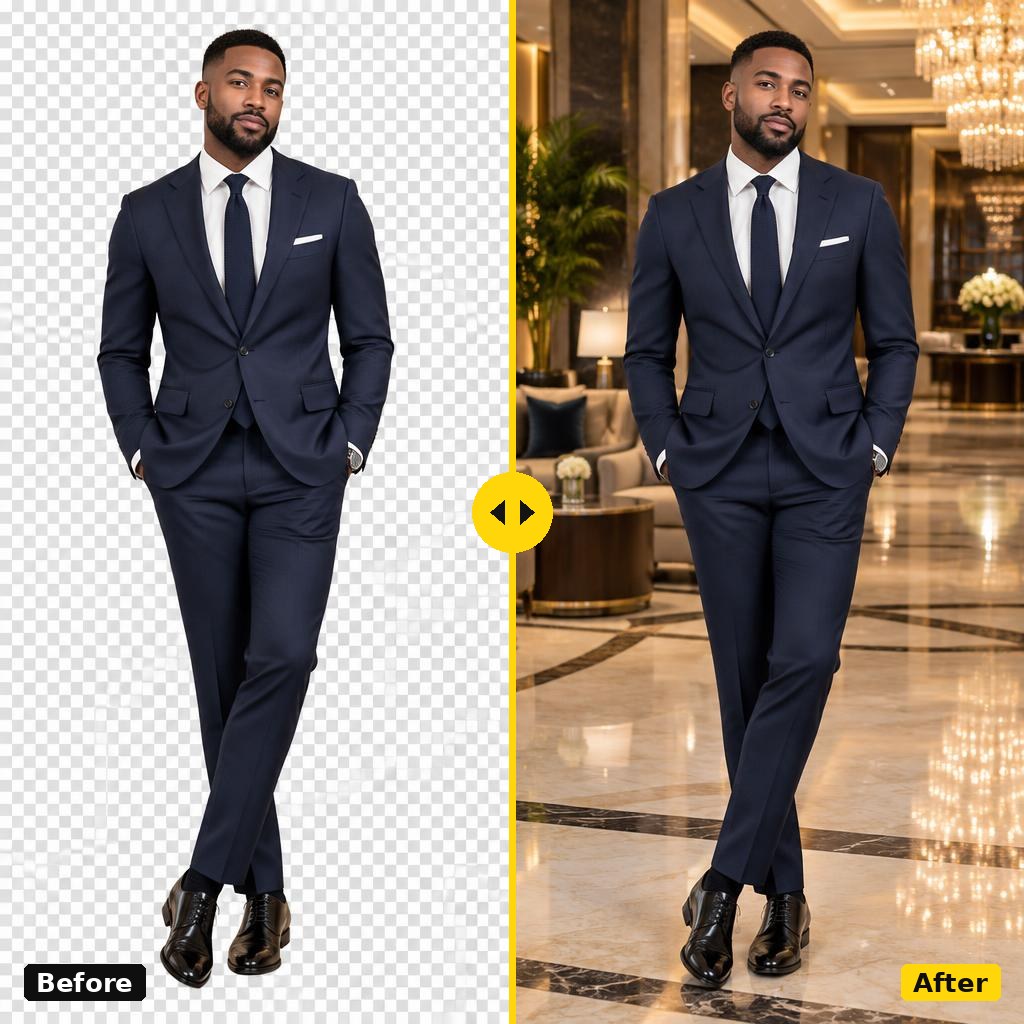
Background Studio
Remove, replace or generate backgrounds.
2+ credits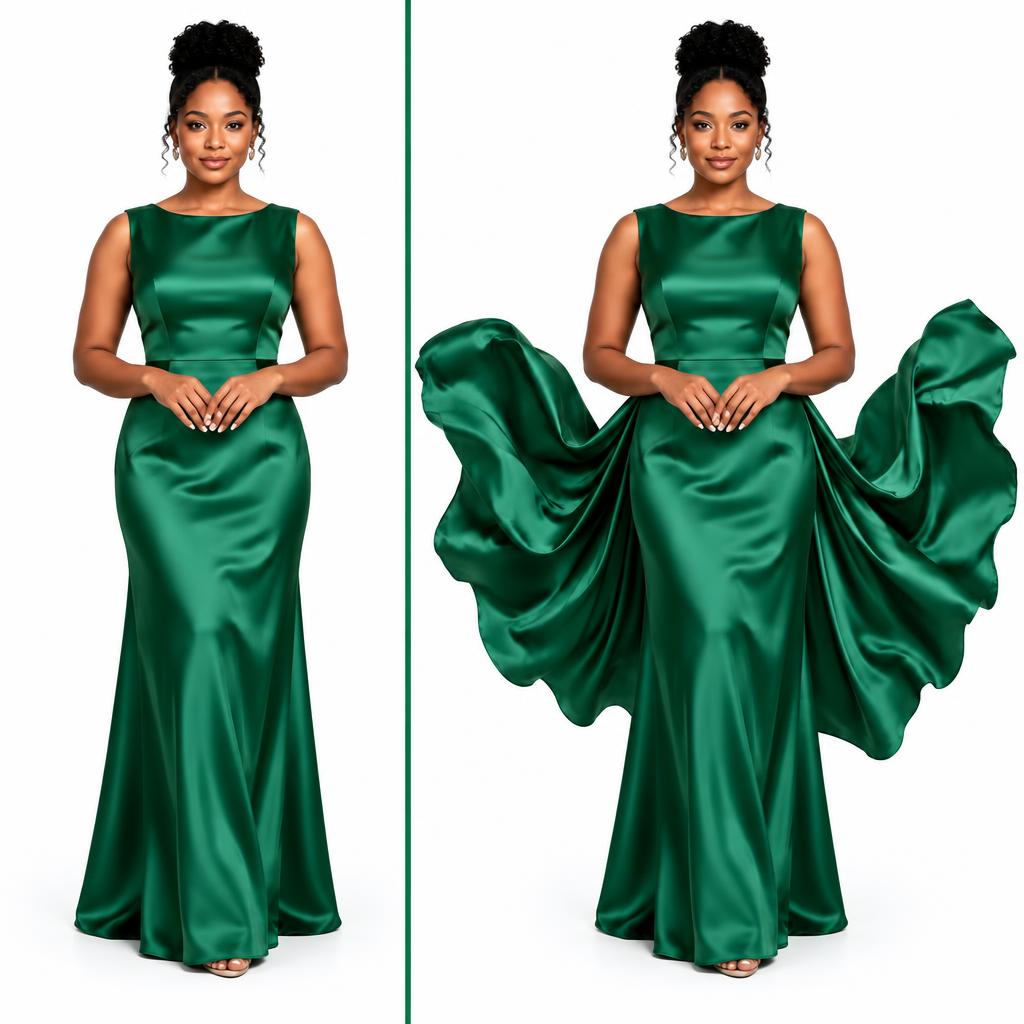
Reference Style Studio
Apply reference garment effects while keeping your own outfit and original colours.
2+ credits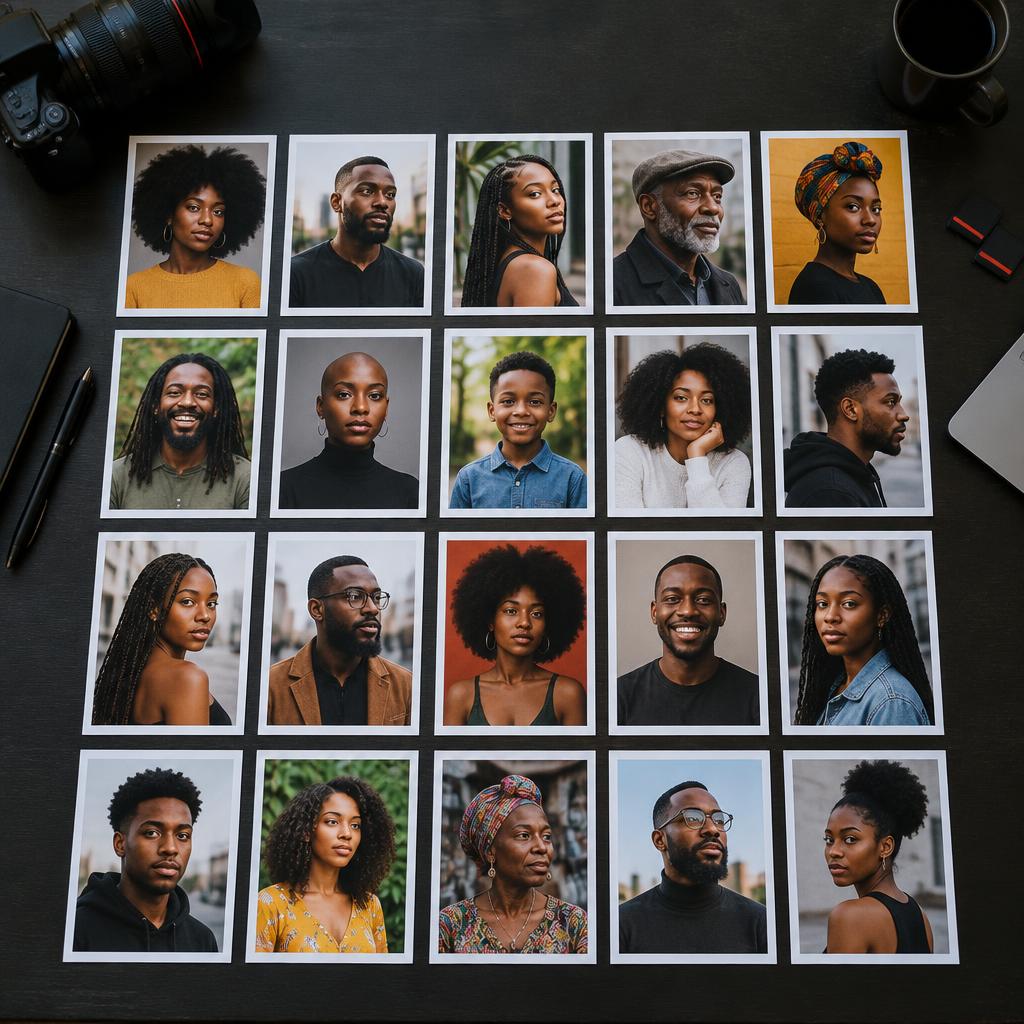
Batch Processing
Edit hundreds of images at once.
2+ credits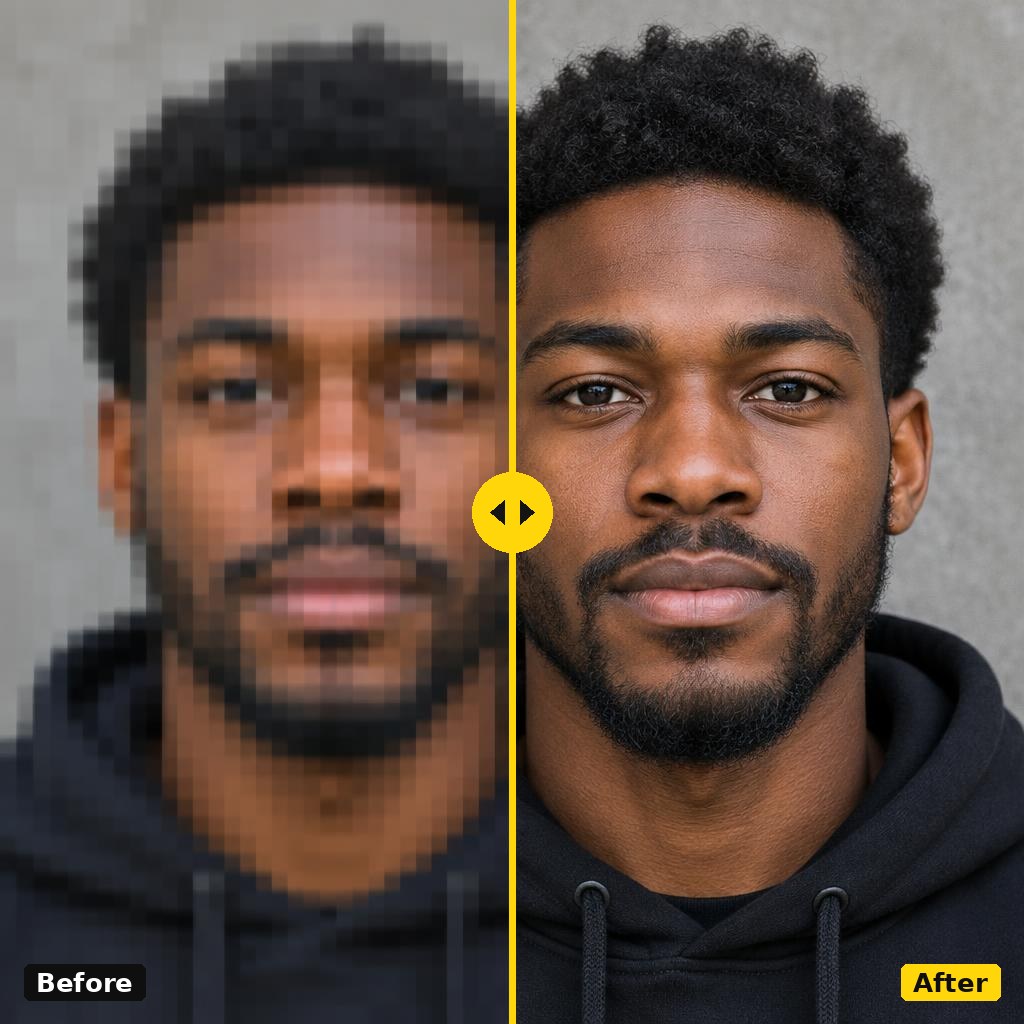
Image Upscaler
Higher-resolution photos in 2K, 4K or 8K.
6+ credits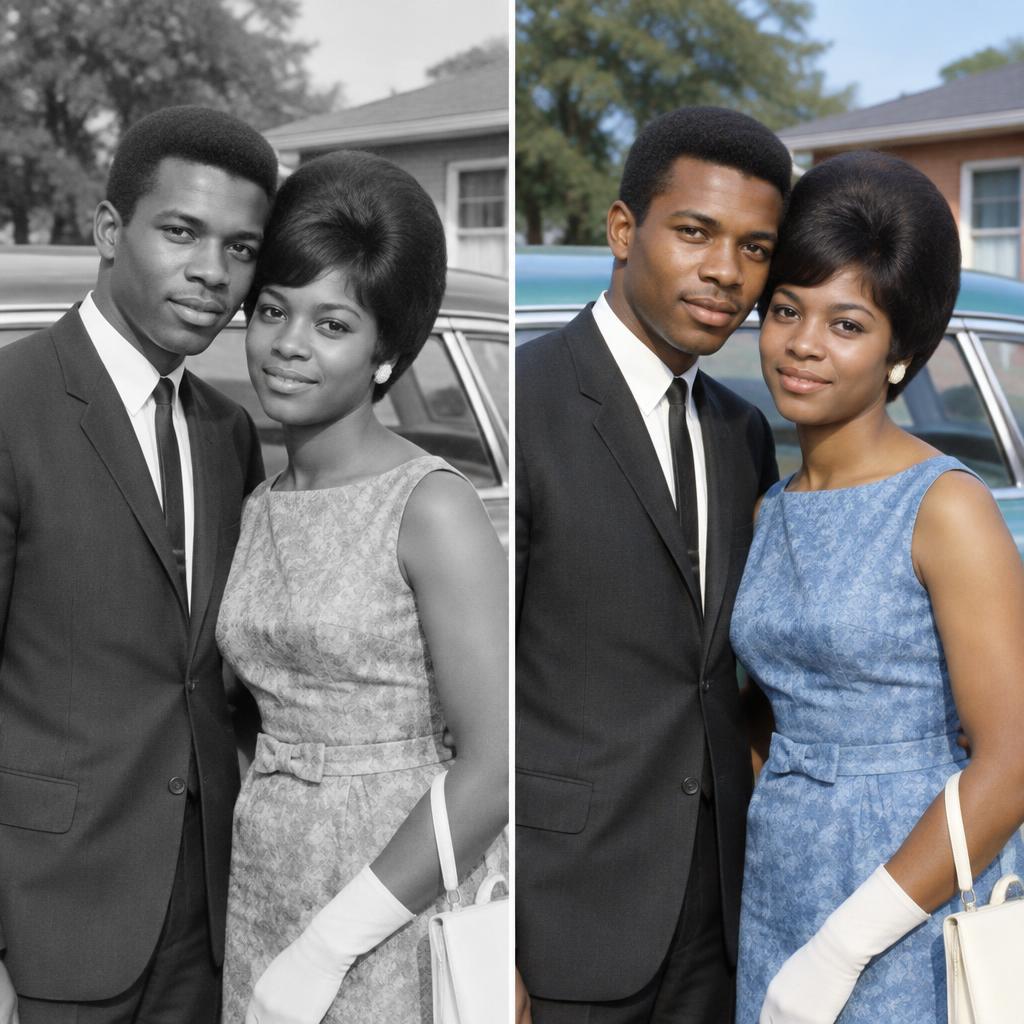
Colourise B&W
Natural colour for black & white photos.
2+ credits
Generative Fill
Paint a region and describe what goes there.
2+ credits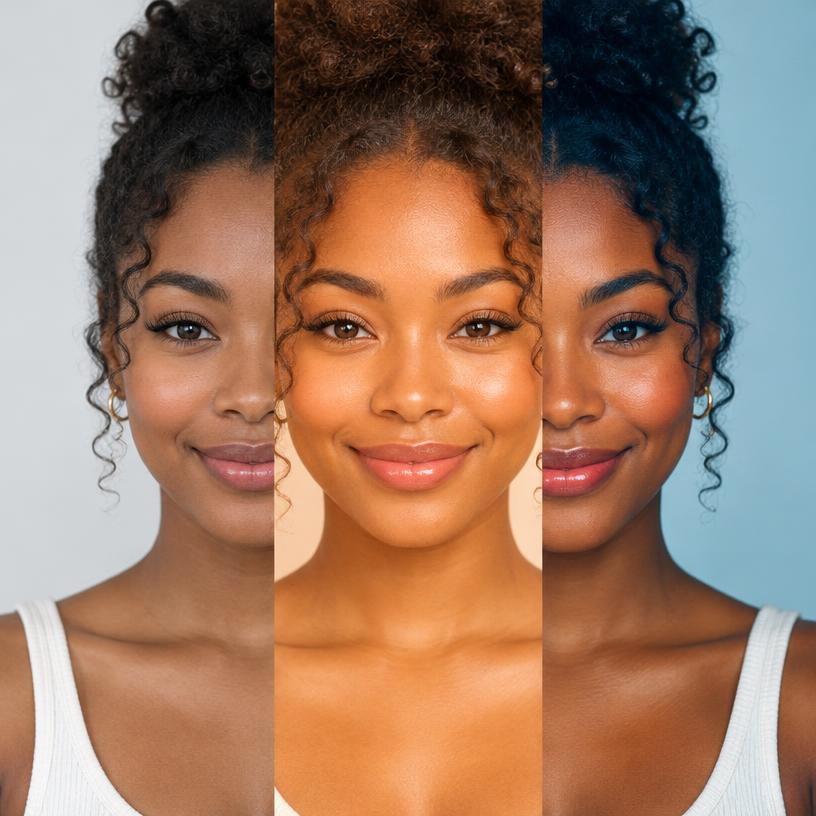
Filter Camera
Choose your look before taking a photo.
0+ credits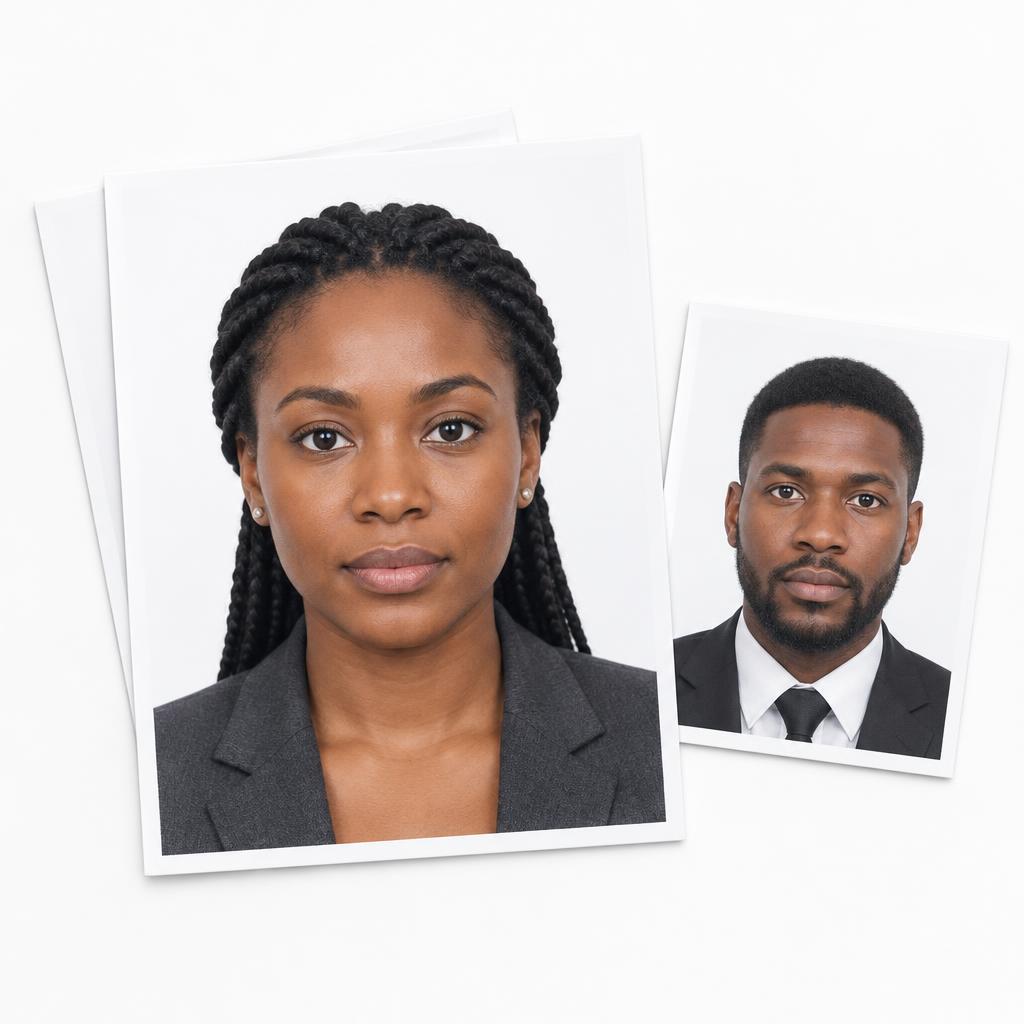
Passport Photo Studio
Passport-size and half-portrait photos in your chosen dimensions.
0+ creditsMore to explore
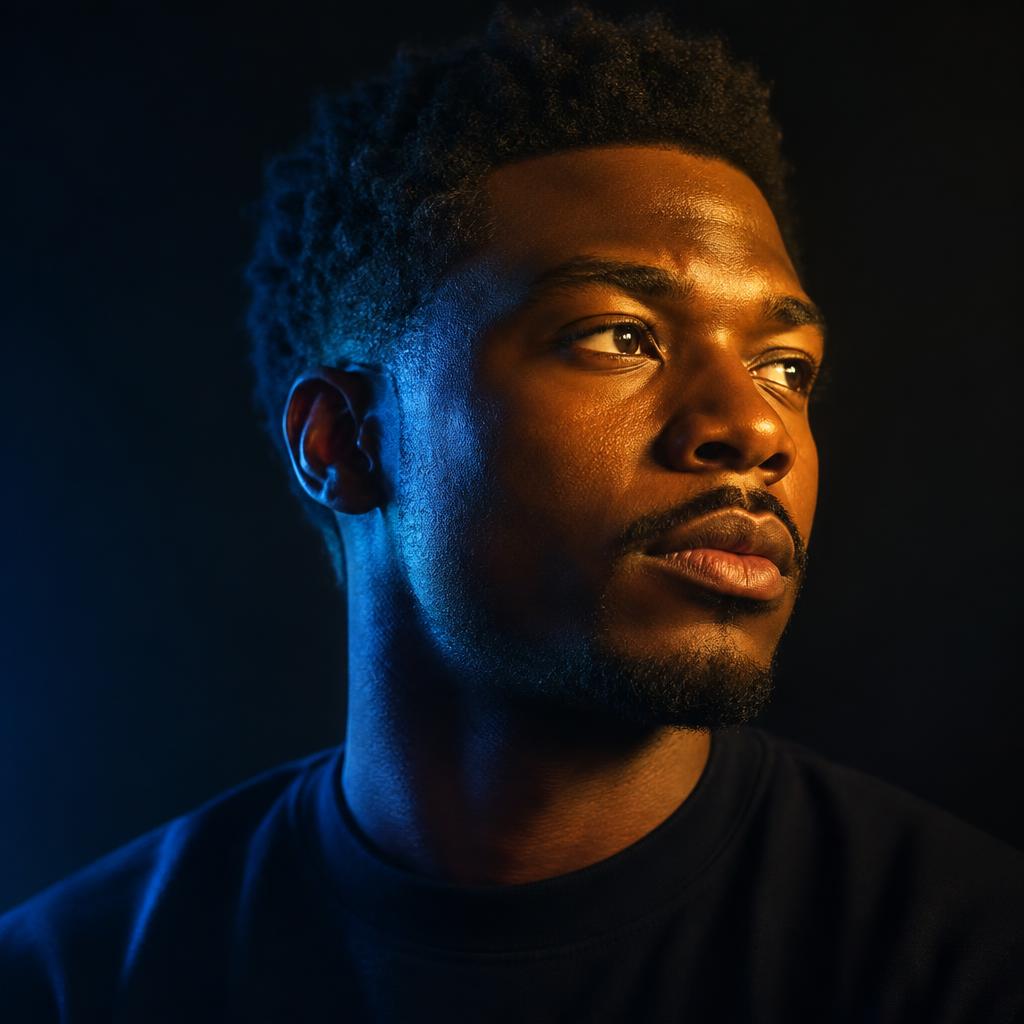
Photo editing, with fewer surprises.
Undo last edit
Your original stays untouched
Credits per AI edit
Local previews are free.
Works Everywhere
Phone, tablet, desktop
Plans for your next edit
These rates are per run, not the monthly credits included in each plan. Local previews are free.
Questions, answered
Do I need an account?
Yes. Sign in or create an account before using AI tools. New accounts start with 0 credits.
What does an AI edit cost?
A standard edit uses 2 credits. 2K uses 6, 4K uses 12 and 8K uses 20. Failed AI runs are refunded.
Will restoration keep my original photo?
Your original stays untouched. Restoration requests damage repair while preserving faces and colours, but AI can change details, especially on severely damaged photos. Always compare the result.